Announcement: My eQuals has a new website! Learn more about it here.
How to create your curated learner profile with My eQuals
With My eQuals, learners can create their very own curated learner profiles, enabling them to showcase their academic credentials and achievements to prospective employers, their network or academic institutions.
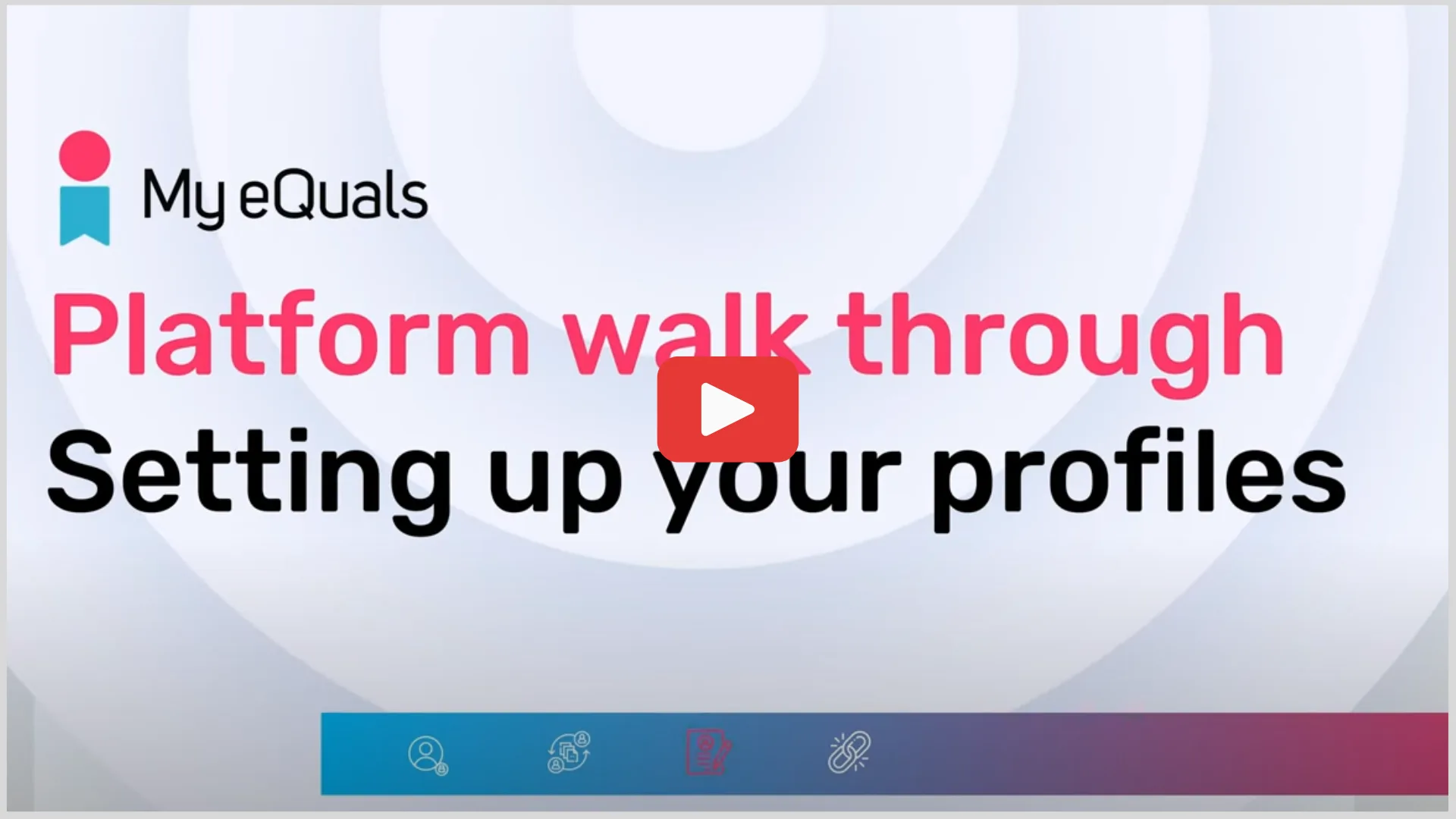
Watch the video below to understand:
How to set up learner profiles
How to add academic records, including badges, to profiles
How to setup multiple profiles
How to share, deactivate, delete and manage different profiles
How to view analytics recorded against profiles
Video playback uses the original external video provider.
You might also be interested in the following resources
Want to join My eQuals? Get in touch using the form below!